
The clinic team
Dental ClinicConfigurationClinic Team
Clinic Administrator
Each colleague has their own account, with a role that sets what they see and what they can do. You manage your
colleagues’ accounts in Clinic Team.
Add a colleague
Section titled “Add a colleague”The colleague appears in Clinic Team and receives the invitation by email, from which they choose their password.
Change a colleague’s role
Section titled “Change a colleague’s role”The new role shows on the colleague’s row.
Help a colleague who forgot their password
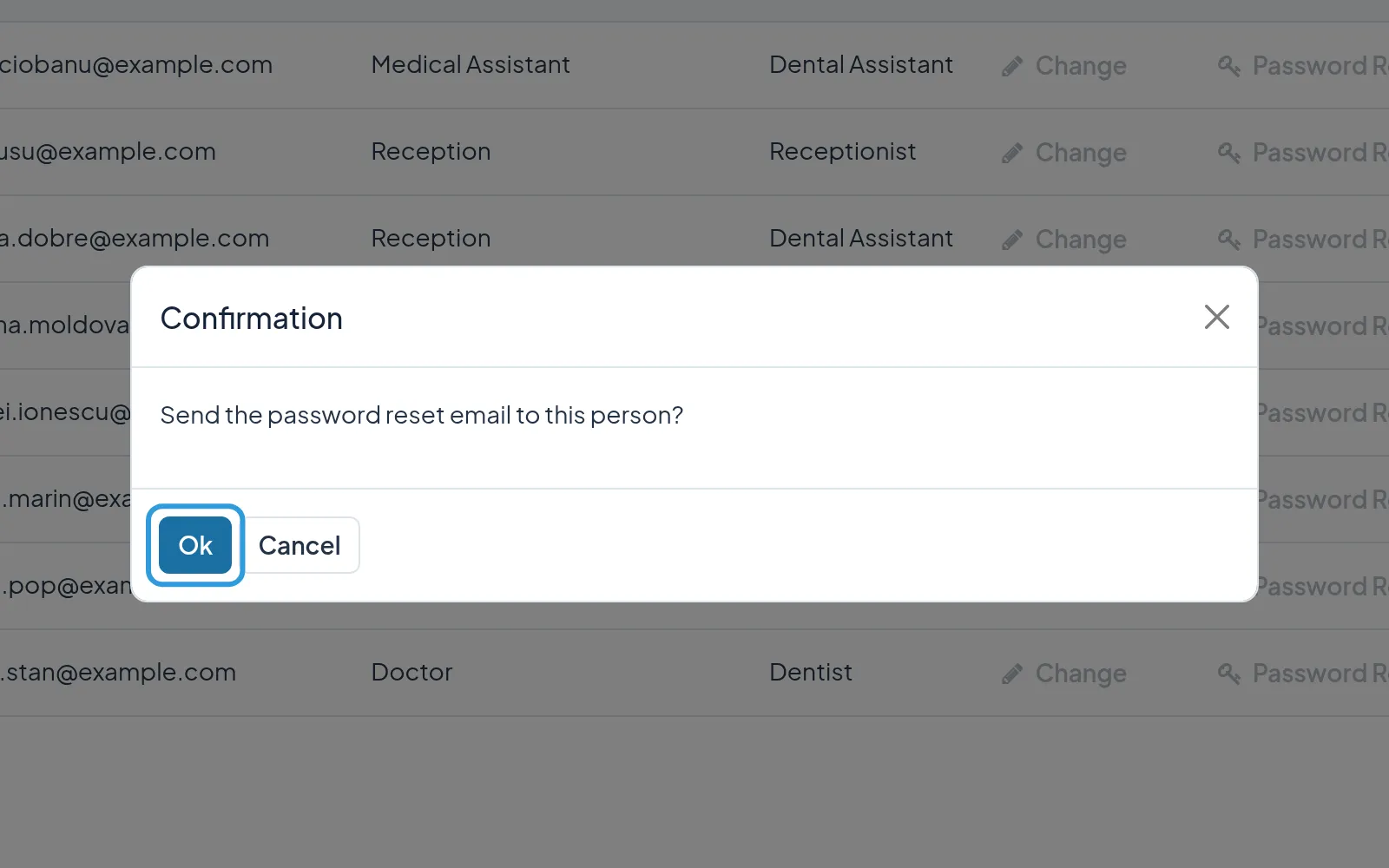
Section titled “Help a colleague who forgot their password”- Tap
Password Reseton the colleague’s row. - Tap
Ok.
The colleague receives an email with a link to choose a new password.
Deactivate a colleague’s account
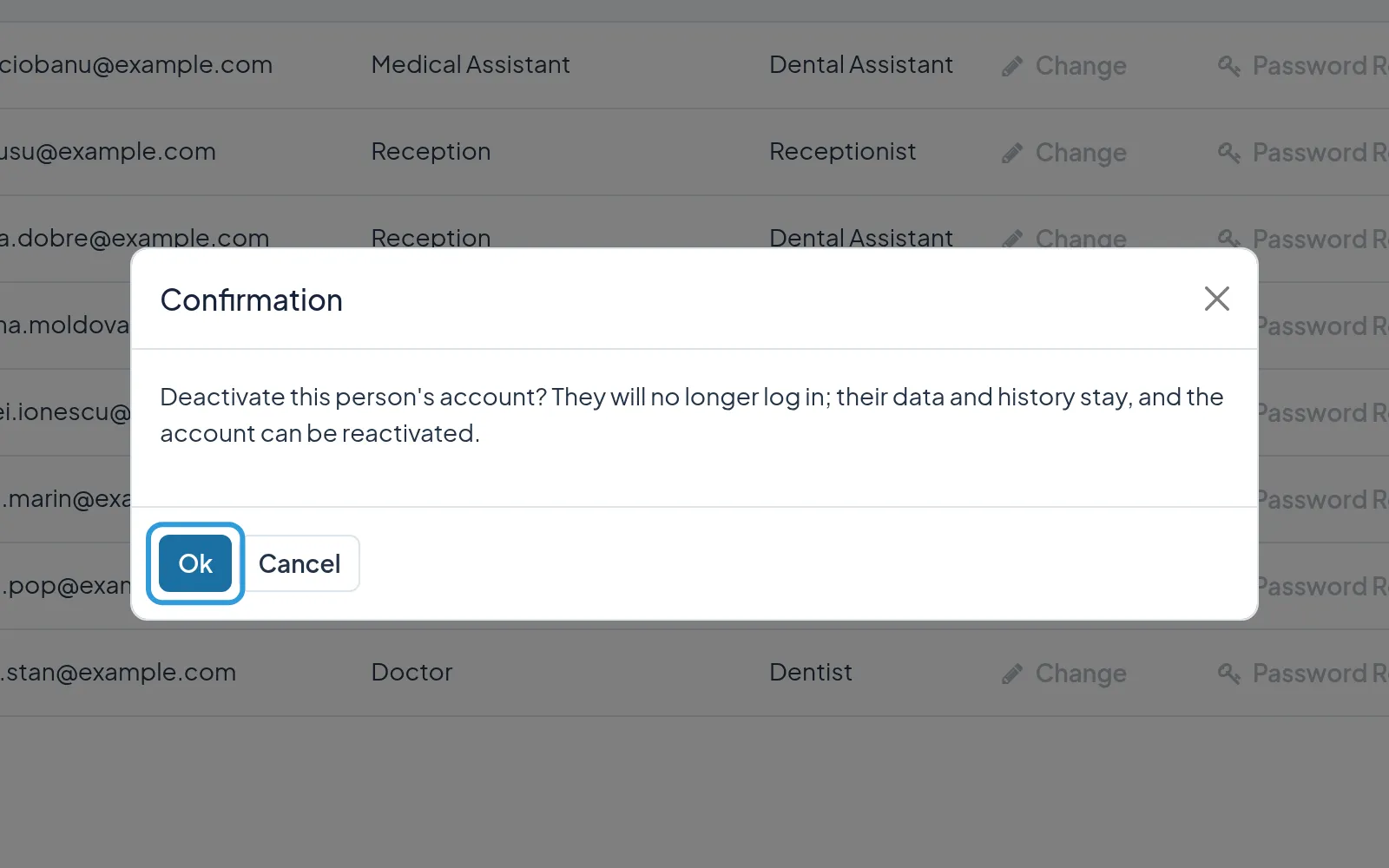
Section titled “Deactivate a colleague’s account”- Tap
Deactivateon the colleague’s row. - Tap
Ok.
The colleague can no longer sign in and no longer appears in the agenda, while their data and history stay.
Reactivate an account
Section titled “Reactivate an account”The colleague gets their account back, with the role they had.