The patient's visit
Treatment Roomthe patientToday's visit
DoctorMedical Coordinator
The Treatment Room is the working screen next to the patient, on the practice’s tablet. During the visit, tick what you have done as you go: Digiodent puts the treatments in the day’s consultation, in the patient’s history and in their plan, ready to invoice.
Open the visit from the appointment
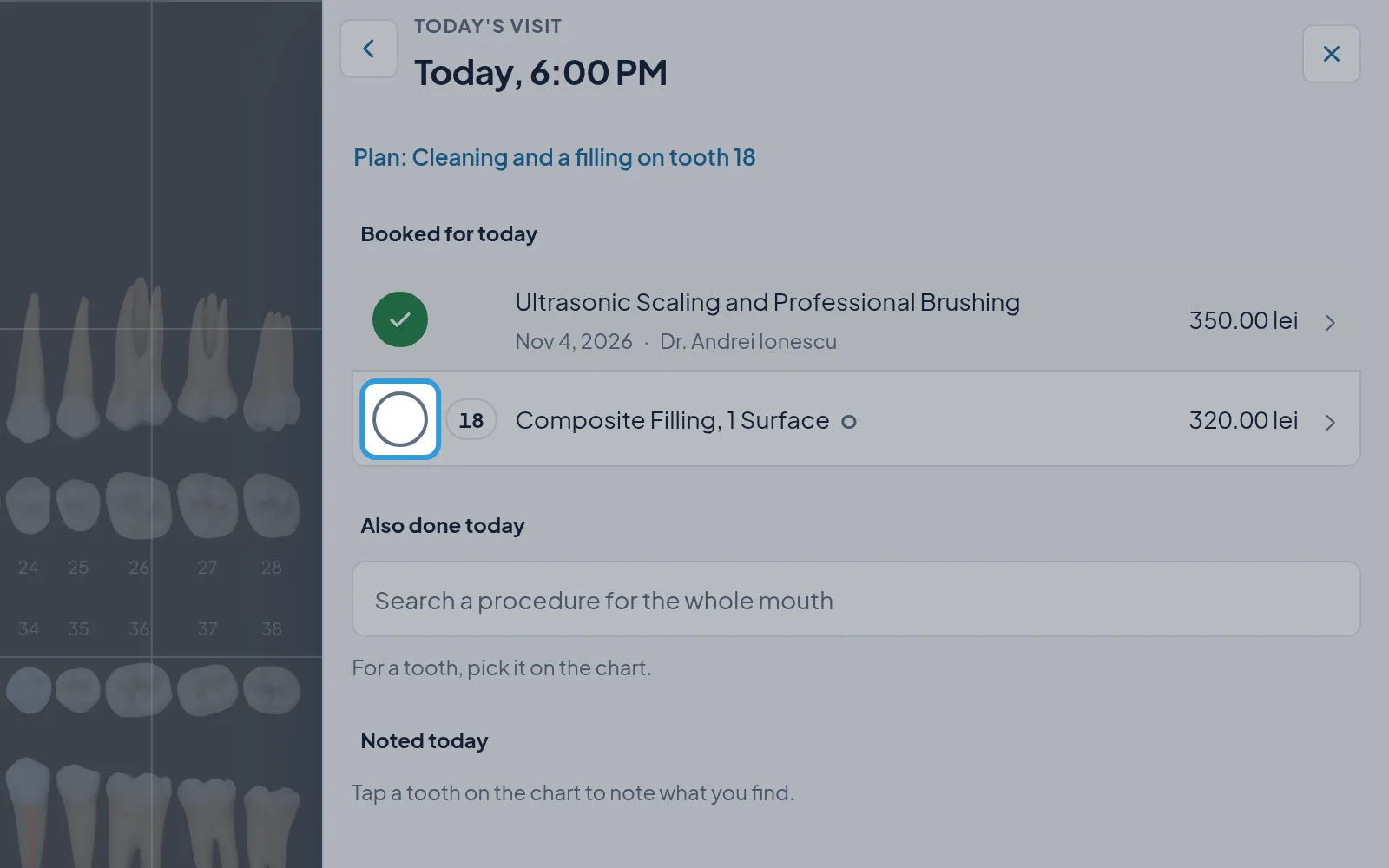
Section titled “Open the visit from the appointment”The Today's visit panel shows what is booked for today, what else was done and what was noted.
Tick the treatments booked for today
Section titled “Tick the treatments booked for today”- Tick the circle in front of each treatment done, under
Booked for today.
The date and the doctor appear under the ticked treatment.
Add an unbooked treatment on a tooth
Section titled “Add an unbooked treatment on a tooth”With Performed today chosen, the treatment goes in as performed and also appears under Also done today.
Add an unbooked treatment for the whole mouth
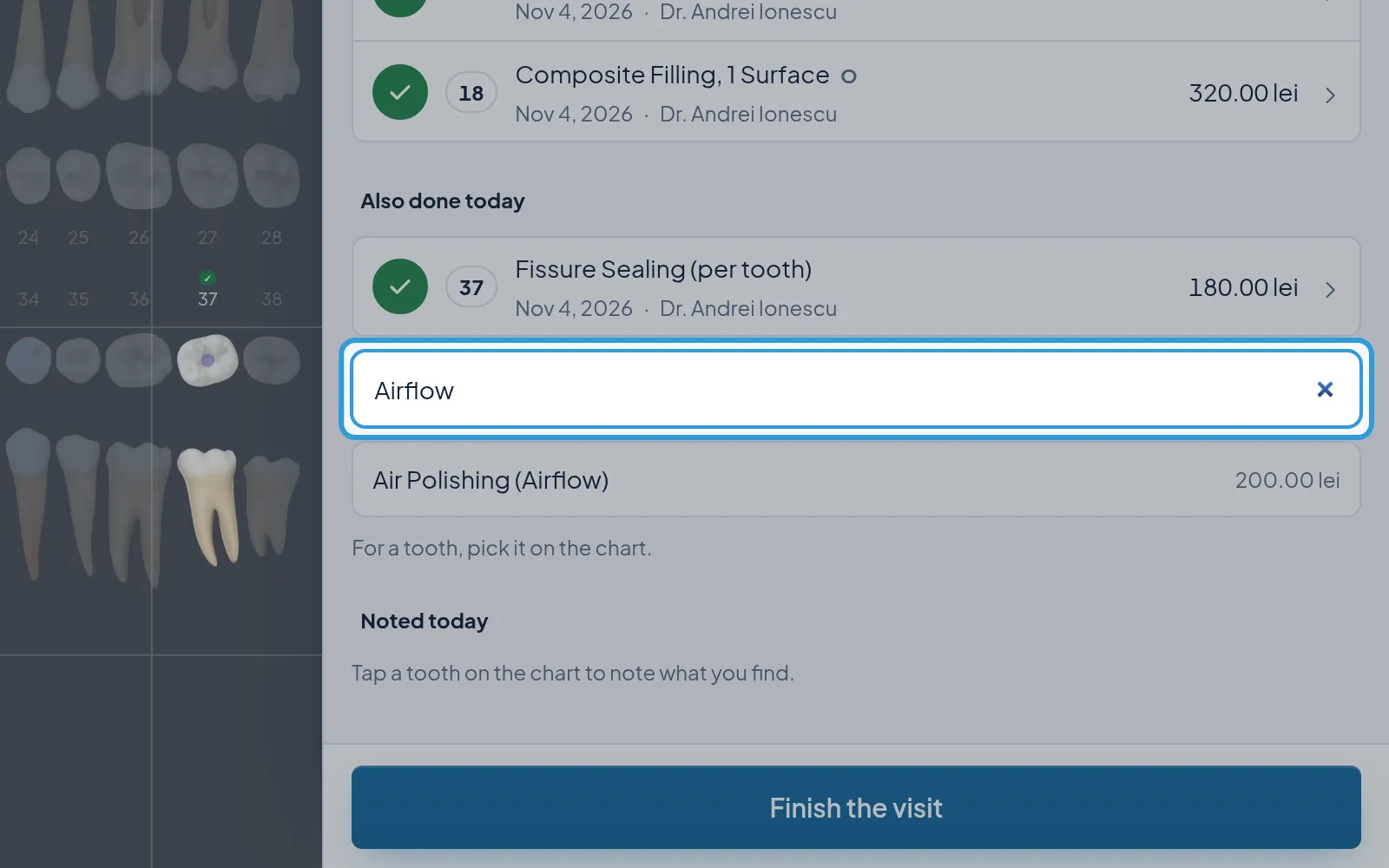
Section titled “Add an unbooked treatment for the whole mouth”- Type the procedure in
Search a procedure for the whole mouth, underAlso done today. - Choose the procedure from the list.
The treatment goes in as performed, under Also done today.
Finish the visit
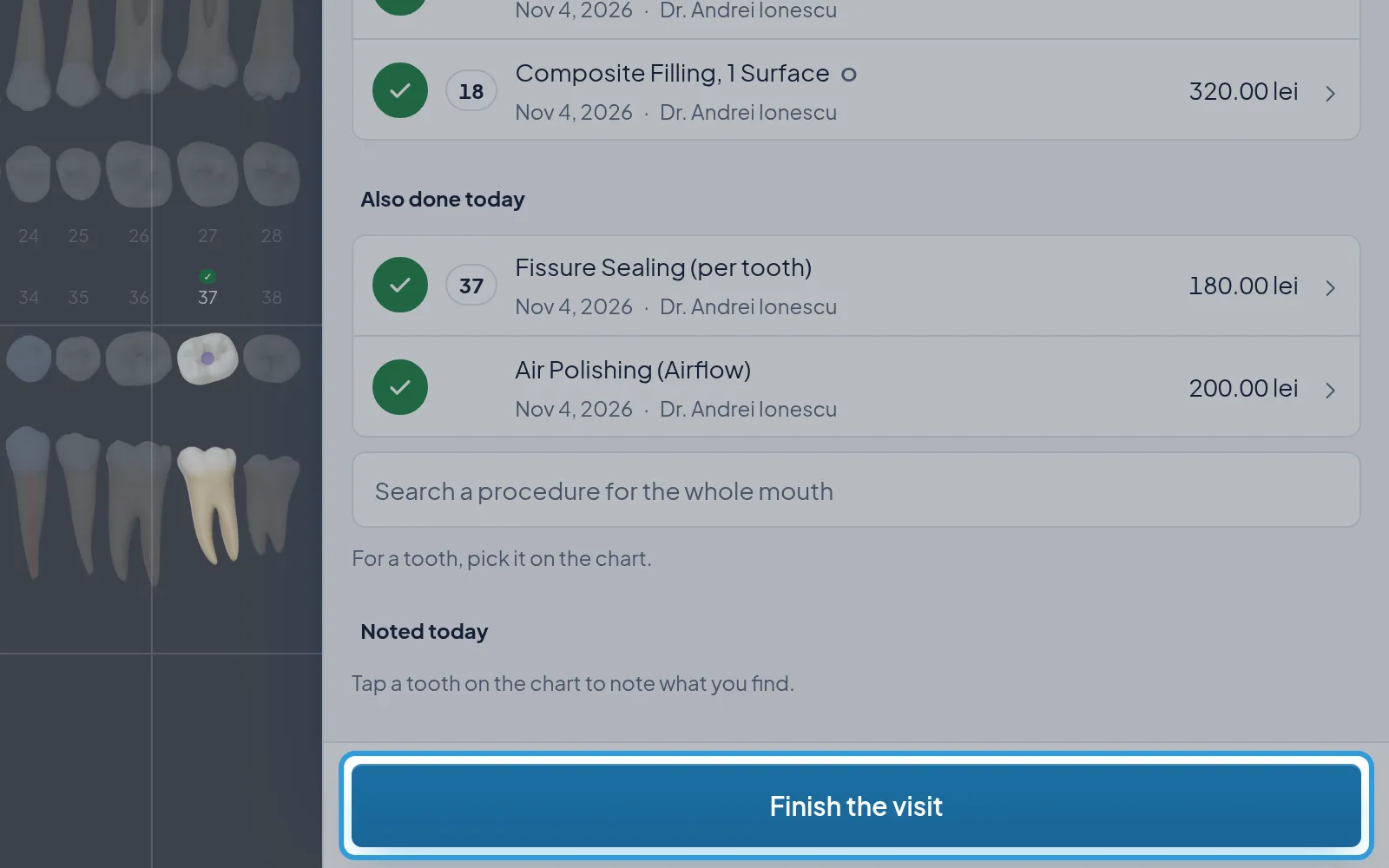
Section titled “Finish the visit”- Tap
Finish the visit, at the foot of the panel.
Digiodent shows “Today’s consultation is saved with the appointment.”, and the panel shows what you performed, the
Invoice button, with the amount to invoice, and Book the next stage.