The agenda
Appointments
Everyone
The agenda shows the appointments of the doctors ticked in the Doctors panel, by day, week or month. You open it
with the Appointments icon on the home screen.
See one doctor’s agenda
Section titled “See one doctor’s agenda”- Tap
Appointmentson the home screen. - Tap the doctor’s name in the
Doctorspanel.
The agenda shows only this doctor’s appointments; the grey areas are outside their working hours.
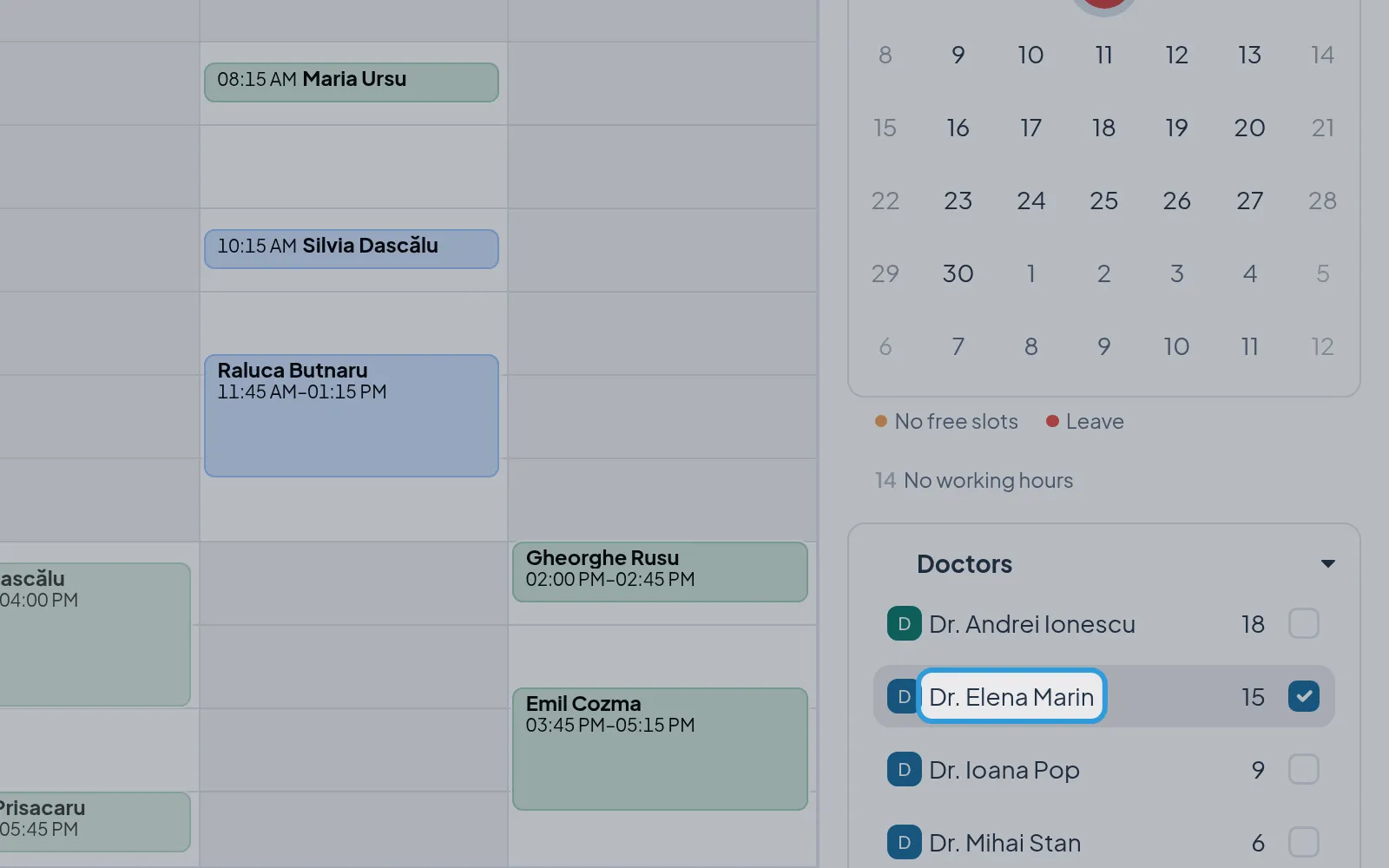
The free slots someone on the waitlist fits are outlined, with how many fit, for example “1 waiting”; the number next
to the doctor’s name, in the Doctors panel, counts those who fit the doctor’s gaps. See
The waitlist.
See several doctors side by side
Section titled “See several doctors side by side”Each doctor has their own column, with their name and the number of their appointments that day.
Go to another day
Section titled “Go to another day”A day of another week, chosen in the small calendar, opens the agenda by week.
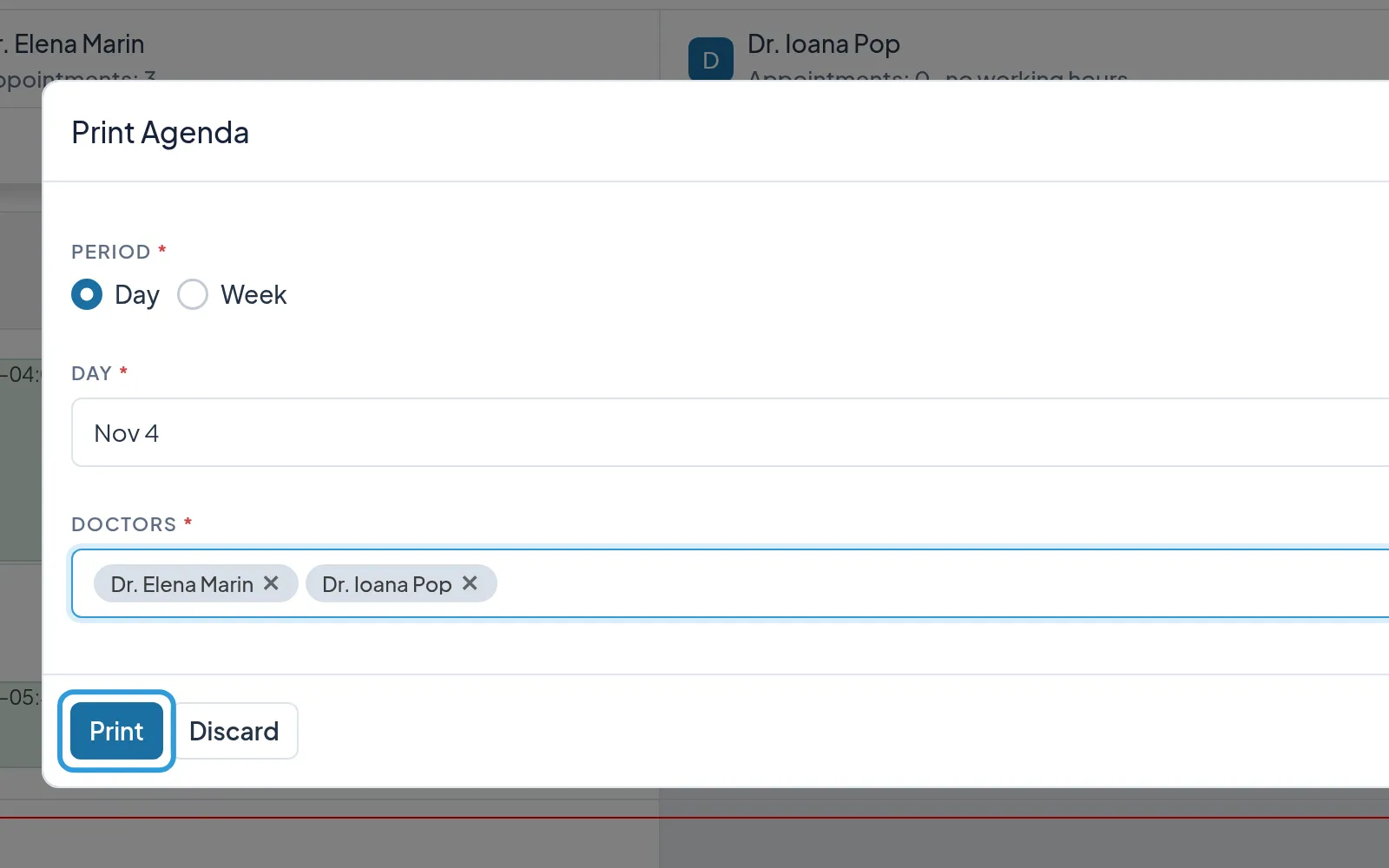
Print the agenda
Section titled “Print the agenda”- Tap
Print, above the agenda. - Tap
Printin thePrint Agendawindow.
The window already has the agenda’s day and doctors chosen; Digiodent downloads the agenda as a PDF.