
The patient
Treatment Roomthe patientFile
Everyone
The patient’s file holds their identity and contact details, their address and the agreements they signed. You find it
in the File tab of the patient’s screen; Digiodent saves it by itself after each field you fill in.
Add a patient
Section titled “Add a patient”The file is saved, and Saved shows at the top. You can fill in the rest later.
Find a patient
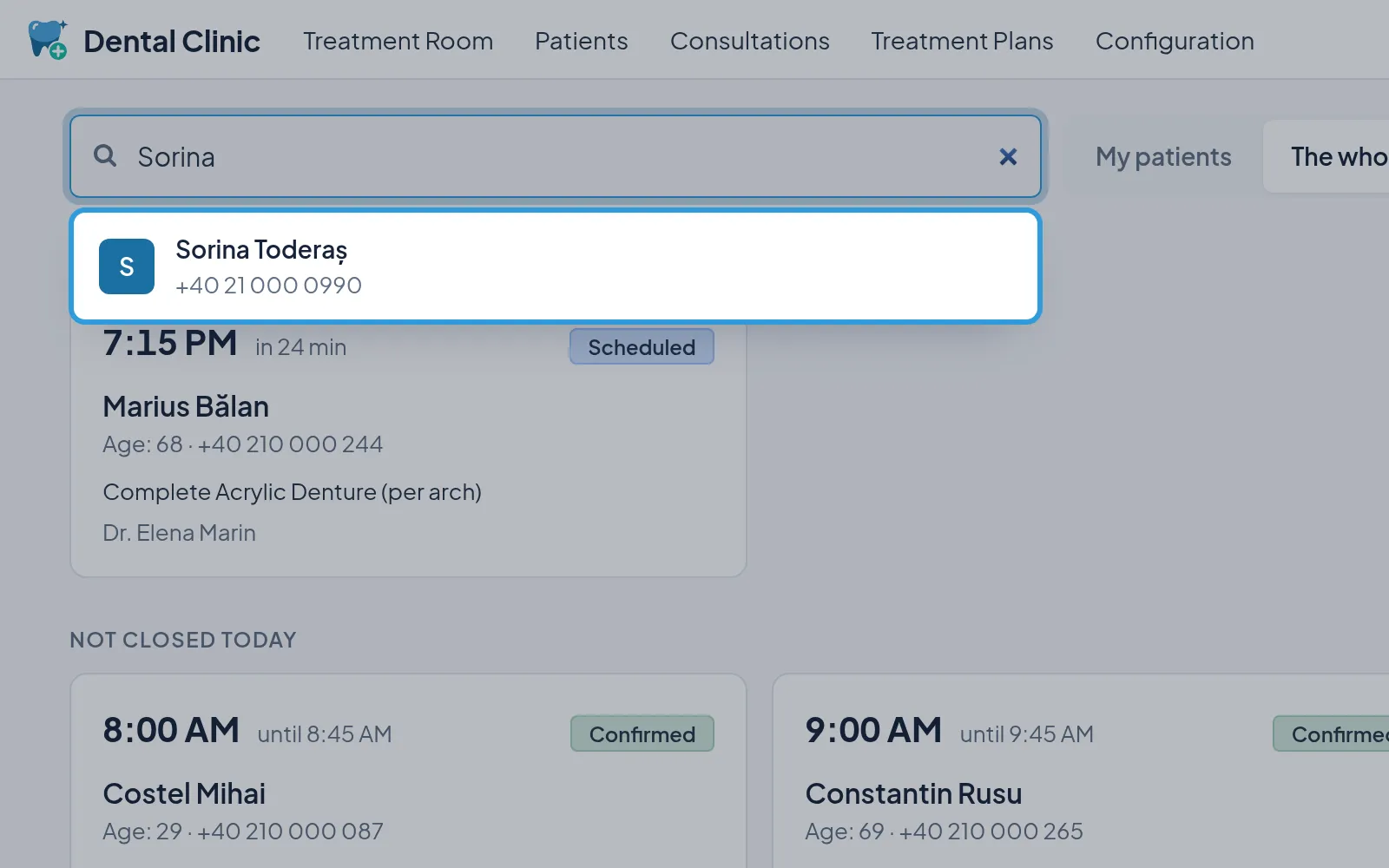
Section titled “Find a patient”- Type the patient’s name, phone or CNP in
Search a patient by name, phone or CNP, in the Treatment Room. - Tap the patient, in the list.
The patient’s screen opens. From another patient’s screen, you search with Other patient.
Fill in the file
Section titled “Fill in the file”In București, City lists the sectors; elsewhere, you type the city. The sector is not required, but e-Factura asks
for it on the invoice.
Tick the patient’s agreements
Section titled “Tick the patient’s agreements”Signed On takes today’s date; change it if the agreement was signed on another day. Without the SMS agreement, the
patient gets no SMS about their appointments.