The audit log
Dental ClinicConfigurationAudit Log
Medical CoordinatorClinic Administrator
The audit log keeps who opened, changed, downloaded or printed a patient’s data, and when. No one at the clinic can change or delete its lines. The medical coordinator also sees the values of the changes; the clinic administrator sees only who, what and when.
See who opened or changed a patient’s file
Section titled “See who opened or changed a patient’s file”The lines of this patient open, the latest first: when (Date), who (User), what happened (Action) and with what
data (Data).
Find a change
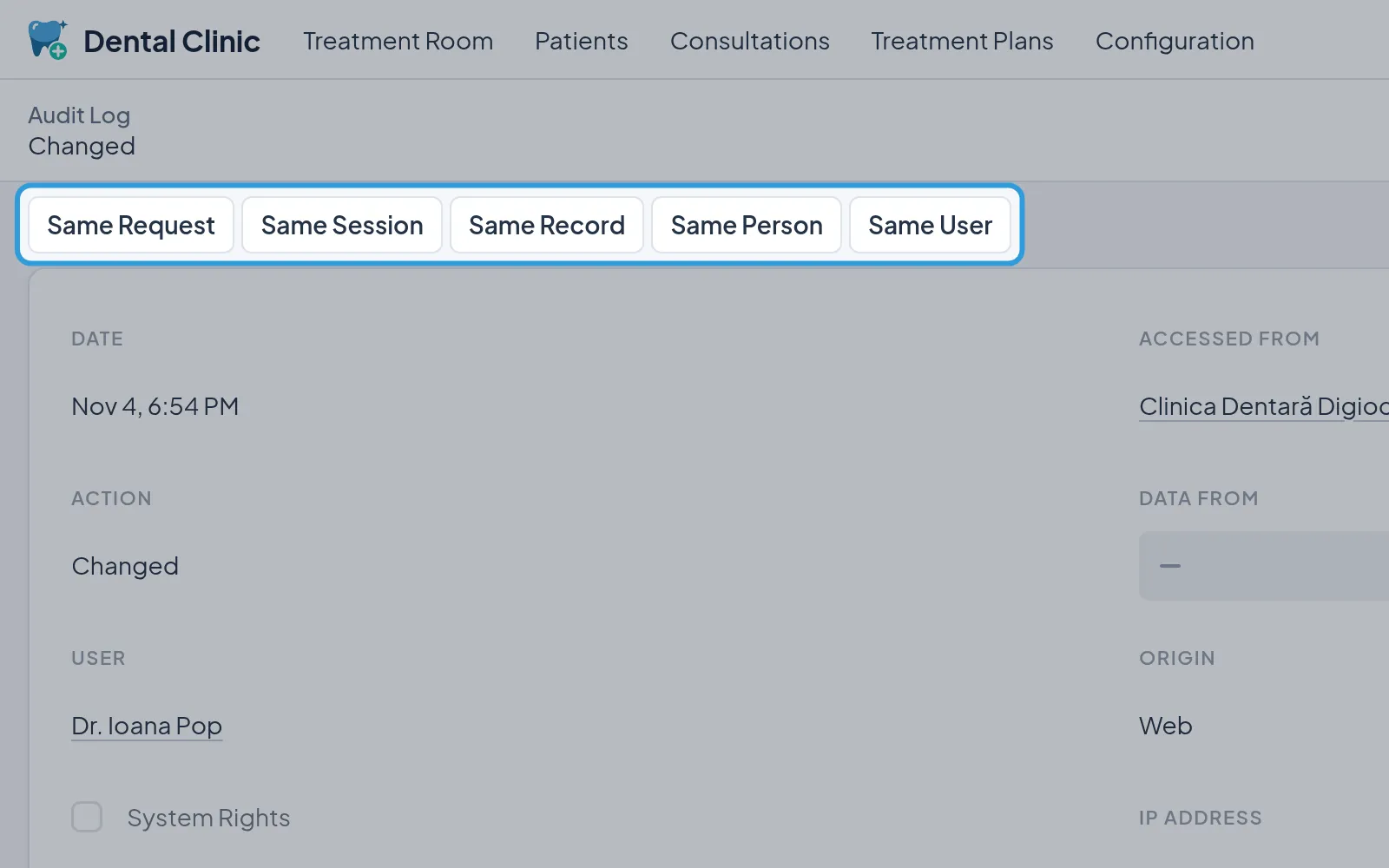
Section titled “Find a change”The line also shows where the change was made from: the practice, the IP address, the session. The medical coordinator sees the old and the new value at the bottom, with the field’s name.
See what else happened around a line
Section titled “See what else happened around a line”- Tap, at the top of the line,
Same Session,Same PersonorSame User.
The log shows the lines of the same session, about the same person or by the same colleague. Same Request and
Same Record narrow it further.
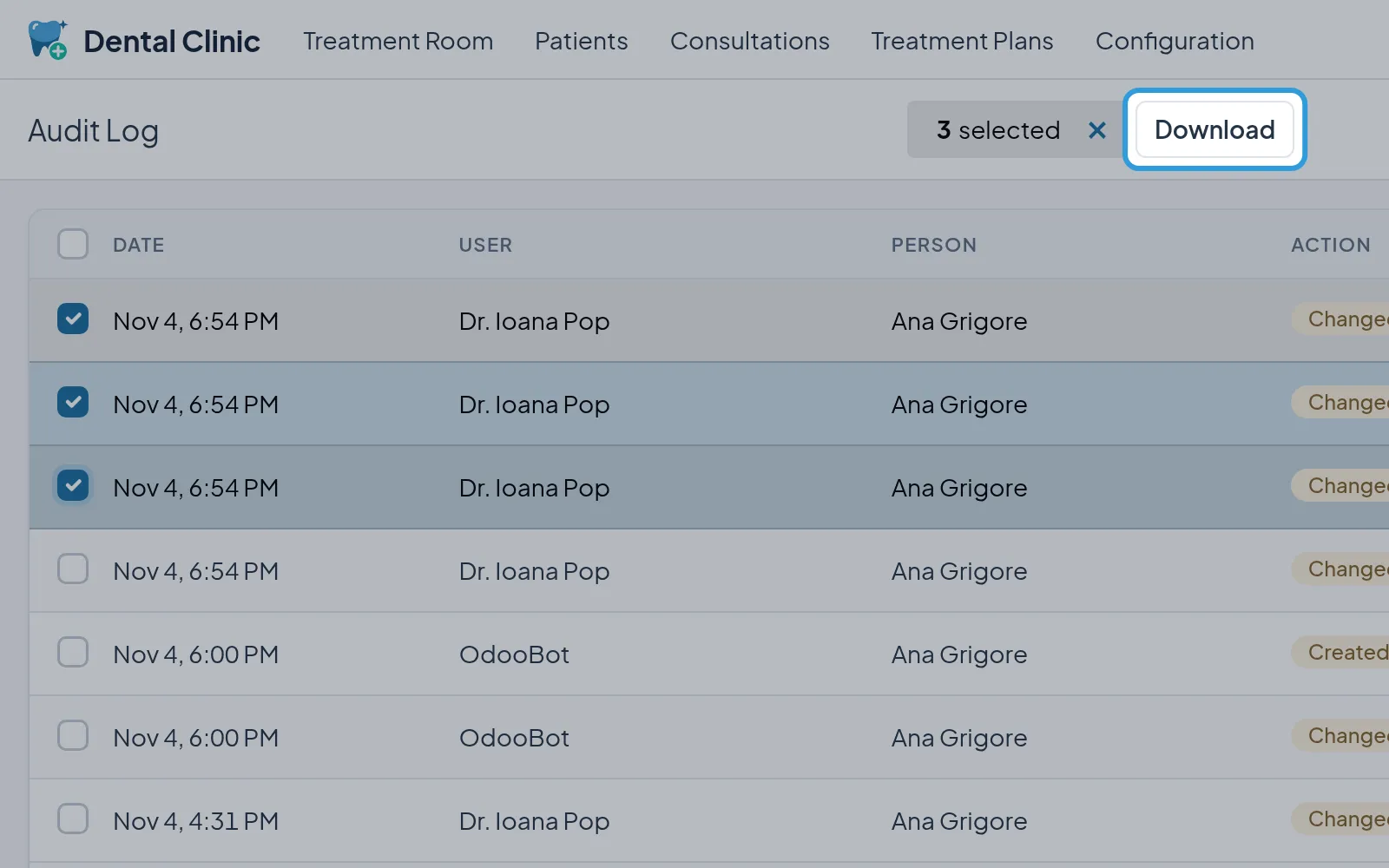
Download lines of the log
Section titled “Download lines of the log”- Tick the lines, in the list.
- Tap
Download.
You get a file with the lines chosen, for example for a patient who asks who saw their data. The download is logged too.