The consultation
Treatment Roomthe patientConsultations
DoctorMedical Coordinator
The consultation holds what you found at the patient’s visit and what comes next. A patient has one consultation a day; the doctor writes it, and the medical assistant reads it.
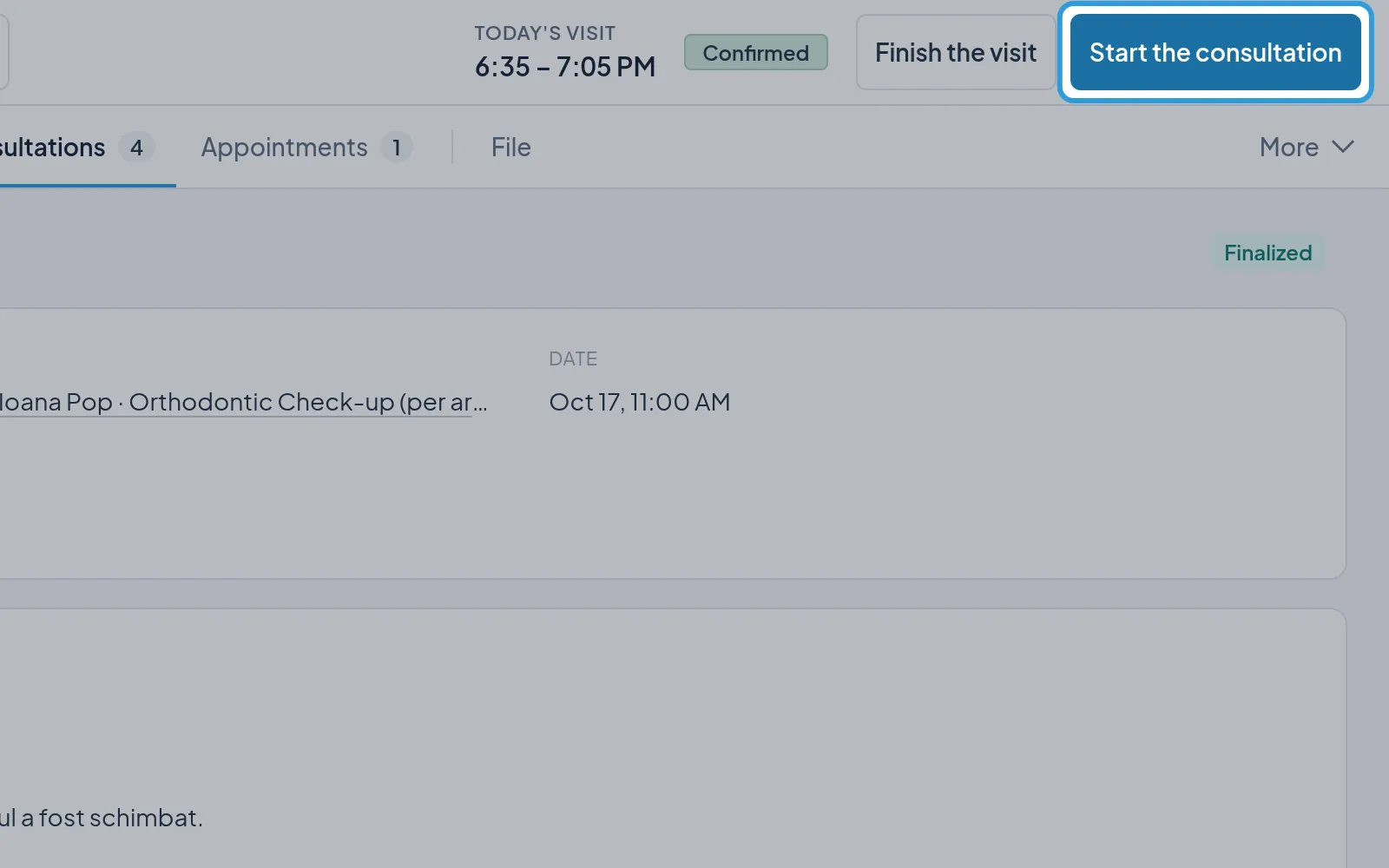
Start the consultation
Section titled “Start the consultation”- Tap
Start the consultation, in the header, beside today’s visit.
Today’s consultation opens in the Consultations tab, linked to the appointment and with its doctor. From then on, the
button is Open the consultation.
Start a consultation without an appointment
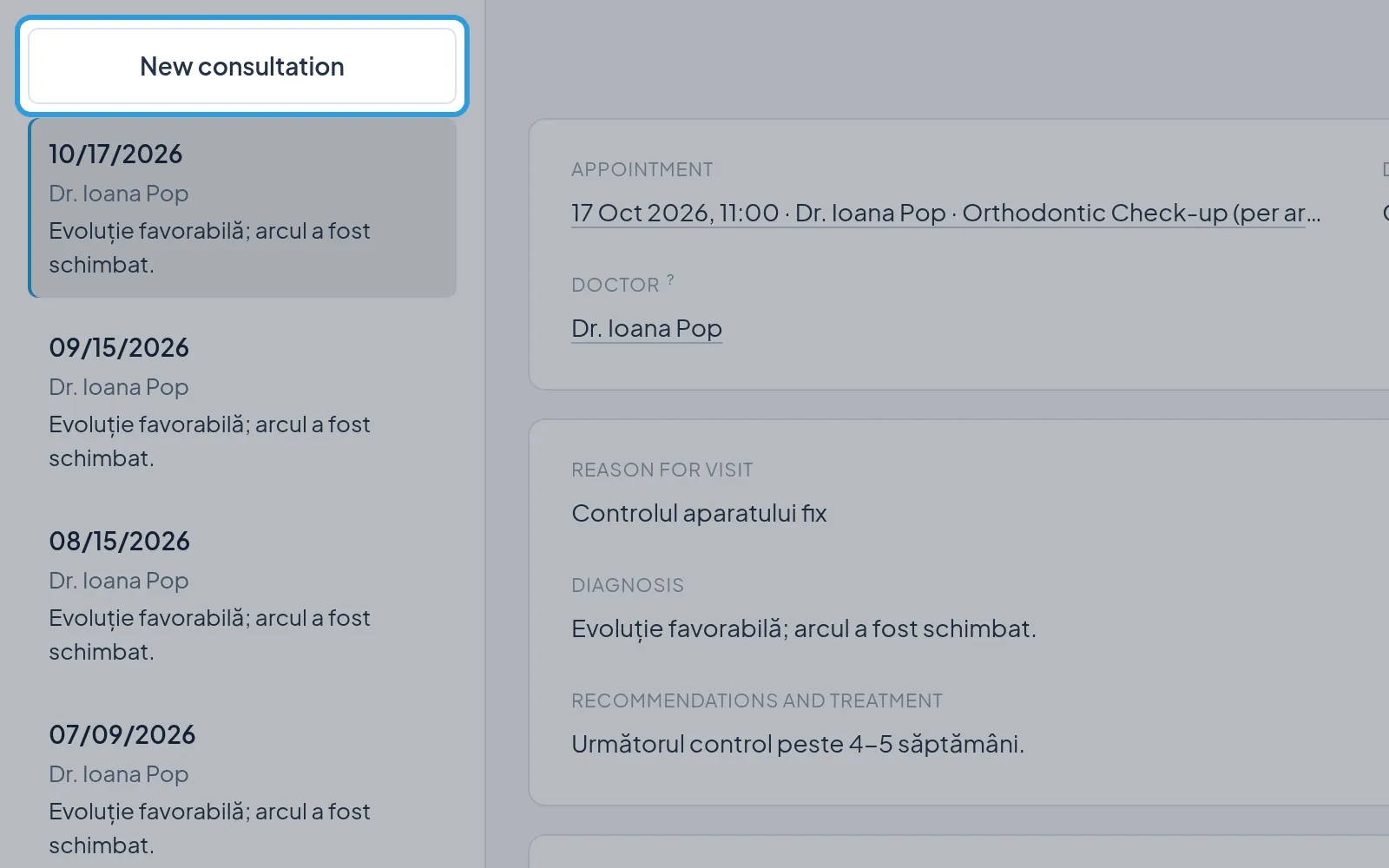
Section titled “Start a consultation without an appointment”- Tap
Consultations. - Tap
New consultation, above the earlier consultations.
Today’s consultation opens on the right, with you as its doctor. The button is not there when the patient already has today’s consultation.
Write the consultation
Section titled “Write the consultation”Digiodent saves each field, and Saved shows at the top. Until you finish it, the consultation can be changed at any
time.
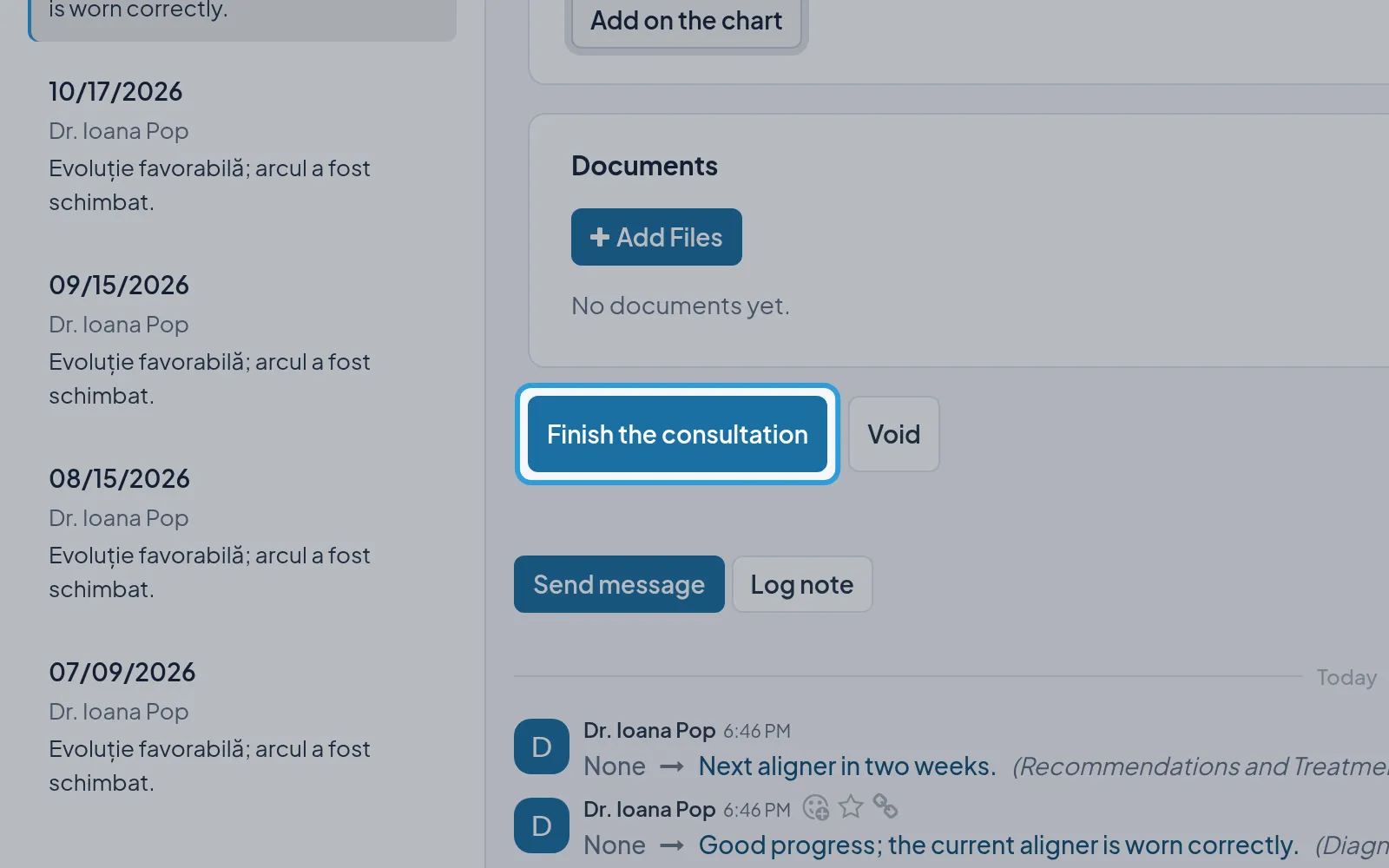
Finish the consultation
Section titled “Finish the consultation”- Tap
Finish the consultation, under the consultation.
The consultation moves to Finalized and no longer changes: you correct it only with a rectification. One left
unfinished is finished by itself the next morning.