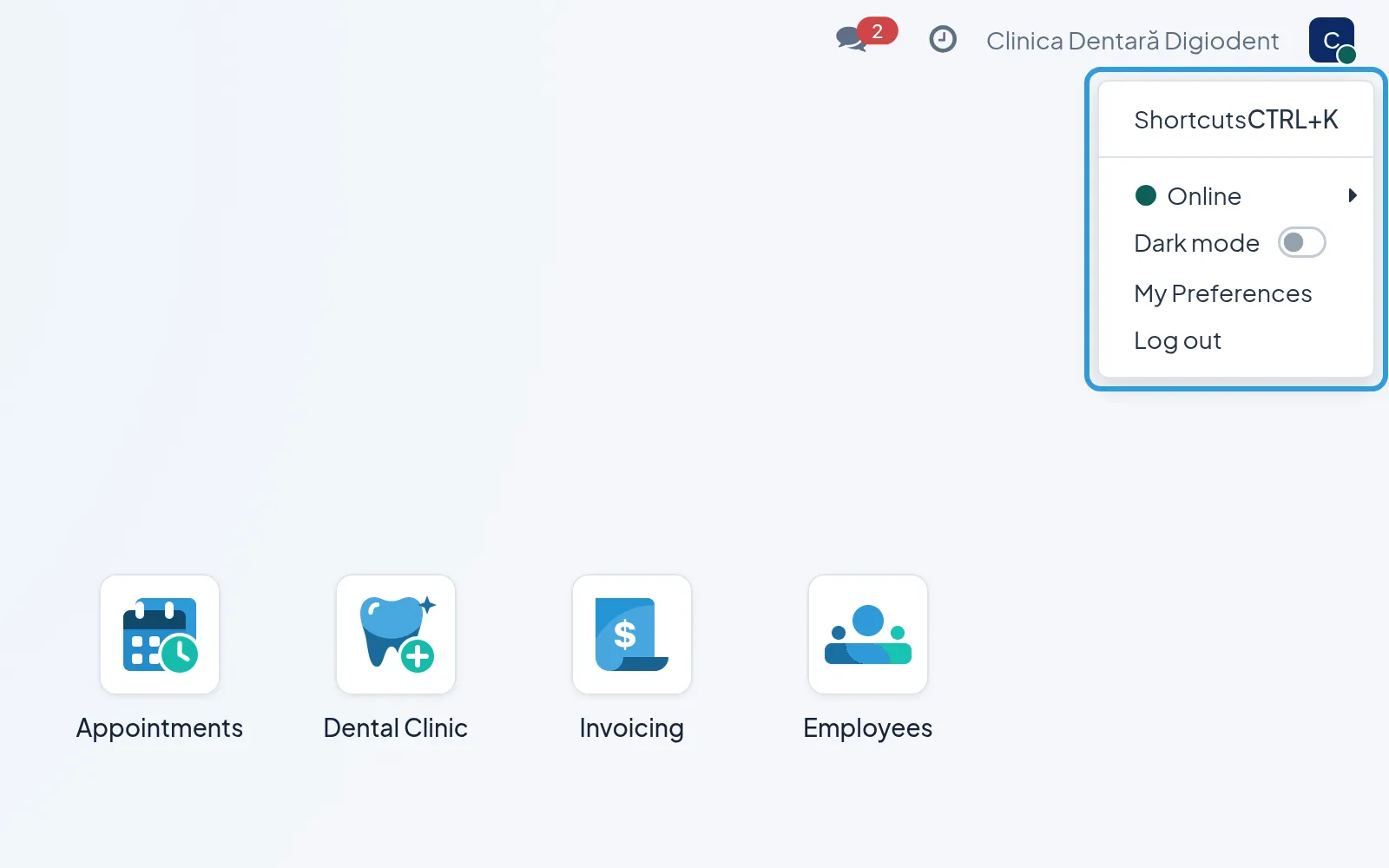
The home screen
the home screen
Everyone
After you sign in, Digiodent opens the home screen: one icon for each app your role allows. Your menu is at the top right.
Open an app
Section titled “Open an app”The icons open over the app, and the arrow at the top left takes you back to where you were.
Use your menu
Section titled “Use your menu”- Tap your initial or photo at the top right.
- Choose
My Preferences,Dark modeorLog out.
In My Preferences you choose the app’s language and change your password.