
Doctors' working schedules
AppointmentsConfigurationWorking Schedules
Clinic Administrator
Each doctor has a working schedule: the days of the week and the hours they work. Their agenda shows as free only the time in the schedule, and the hours outside it are grey.
Add a working day
Section titled “Add a working day”The new day appears in the doctor’s agenda, white between the schedule’s hours, and appointments can now be booked on it.
Change a day’s hours
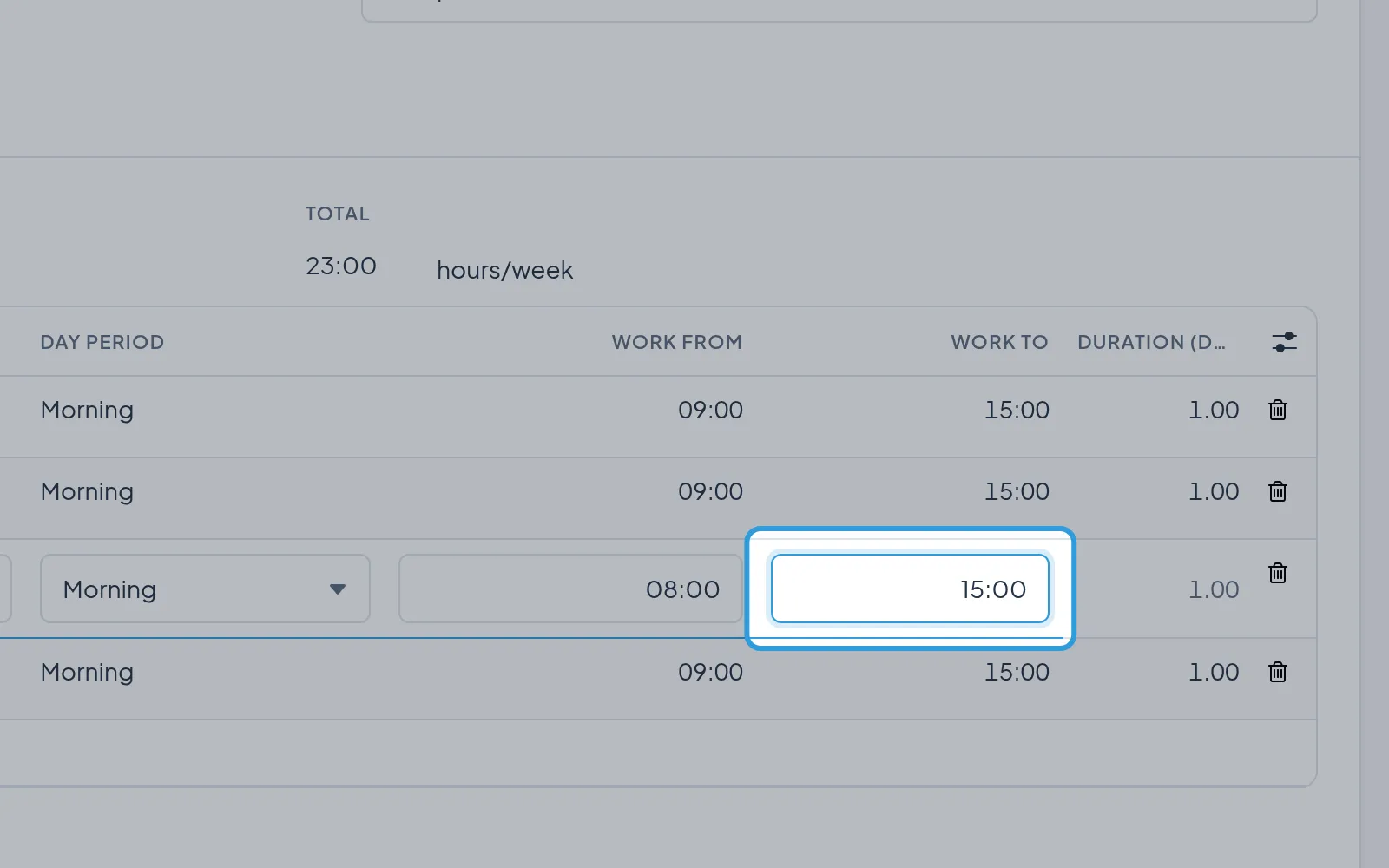
Section titled “Change a day’s hours”- Type the new time in the day’s row, in
Work fromorWork to. - Tap the save icon.
The appointments already booked keep their times; move them if needed.
Take a day out of the schedule
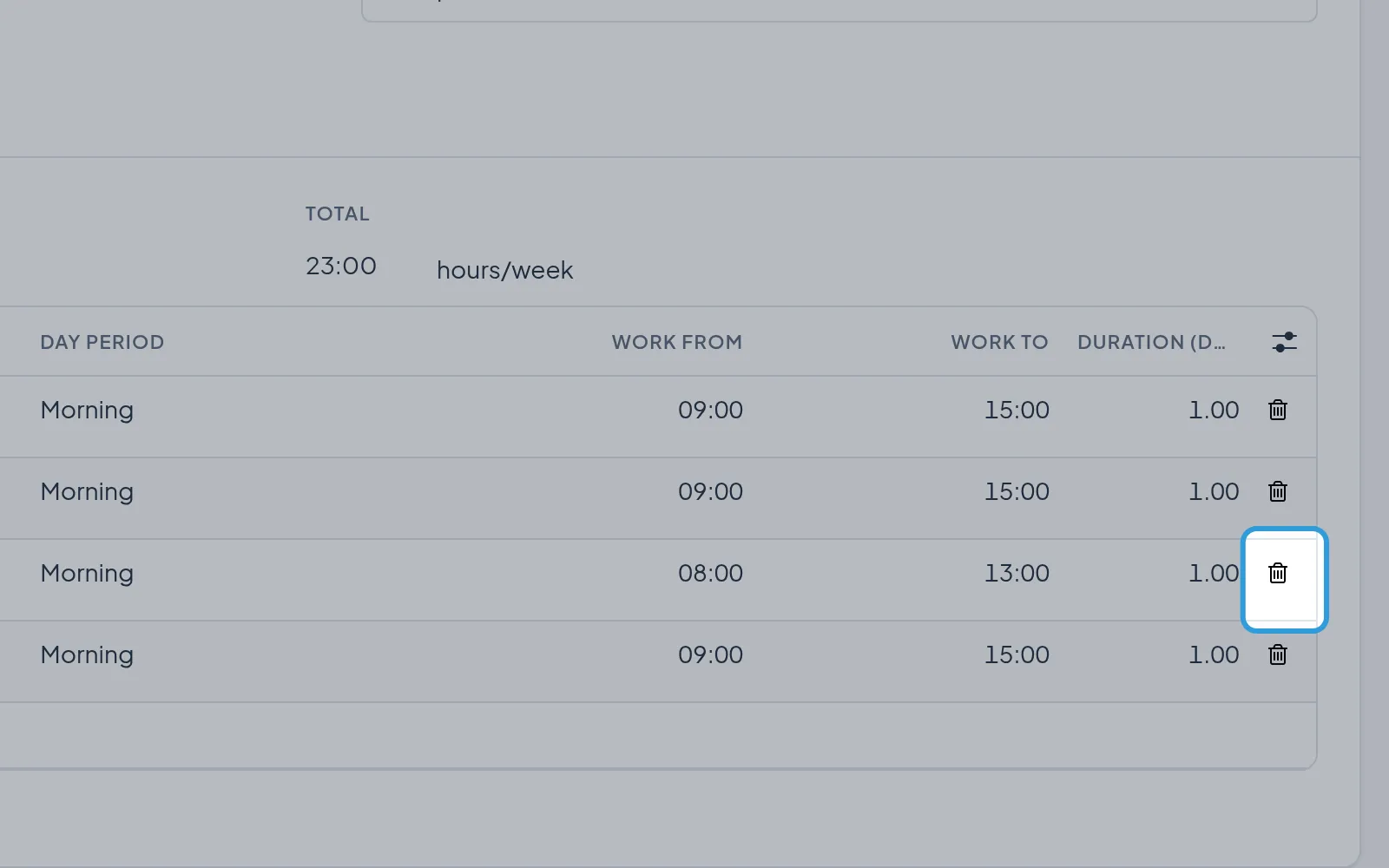
Section titled “Take a day out of the schedule”- Tap the bin at the end of the day’s row.
- Tap the save icon.
The doctor’s agenda no longer shows the day. The appointments already booked on it stay; move them if needed.
Make a new doctor’s schedule
Section titled “Make a new doctor’s schedule”The new schedule starts with the clinic’s days and hours. Then choose it in the doctor’s window, in Working Schedule.