Patients' SMS
AppointmentsPatientsthe patientFile
Everyone
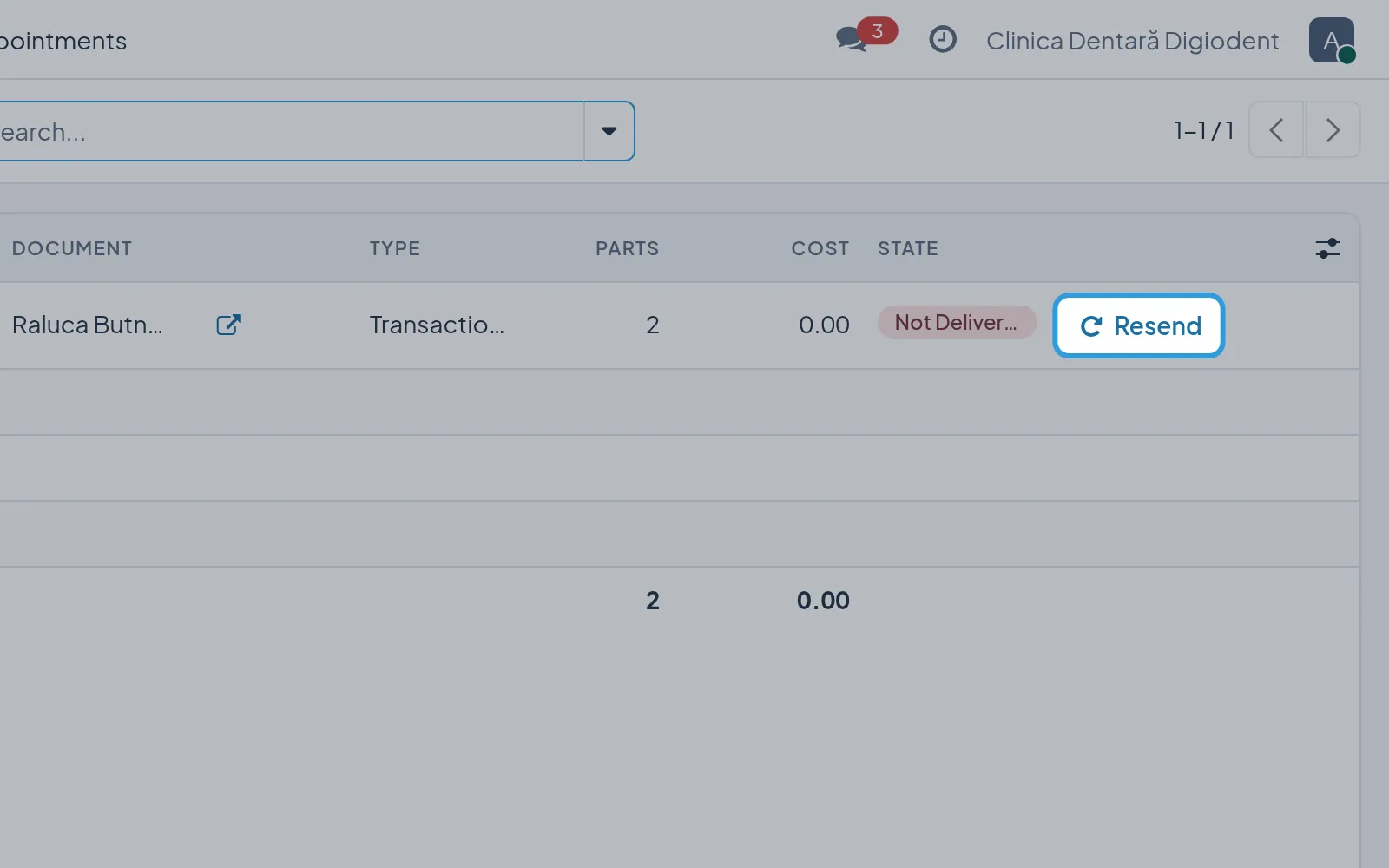
Digiodent sends a patient SMS only when they have agreed to them and have a phone number in their file. The SMS log shows every SMS sent, with its state.
Note the patient’s agreement to SMS
Section titled “Note the patient’s agreement to SMS”Digiodent saves the file by itself, and the patient’s history keeps who ticked the agreement and when.
Read an appointment’s SMS
Section titled “Read an appointment’s SMS”SMS Log has one row for each SMS of the appointment, with its date and state; Delivered means the SMS reached the
patient’s phone.
Read all of a patient’s SMS
Section titled “Read all of a patient’s SMS”The log has every SMS of the patient, from all their appointments.
Resend an SMS
Section titled “Resend an SMS”- Tap
Resend, at the end of the row whose state isNot DeliveredorExpired. - Tap
Okin the window “Send this SMS again? The provider charges it again.”
The SMS goes out again, with the same text, to the same number.