Breaks and leave
AppointmentsBreak
Everyone
Breaks and leave go in the doctor’s agenda, with the Break button. The agenda shows them hatched, and Digiodent no
longer offers free intervals in them.
Add a break
Section titled “Add a break”The break appears hatched in the doctor’s agenda.
Add a leave
Section titled “Add a leave”The days of the leave appear hatched in the doctor’s agenda, and in the small calendar they have a dot under the date,
explained by the Leave legend.
Delete a leave
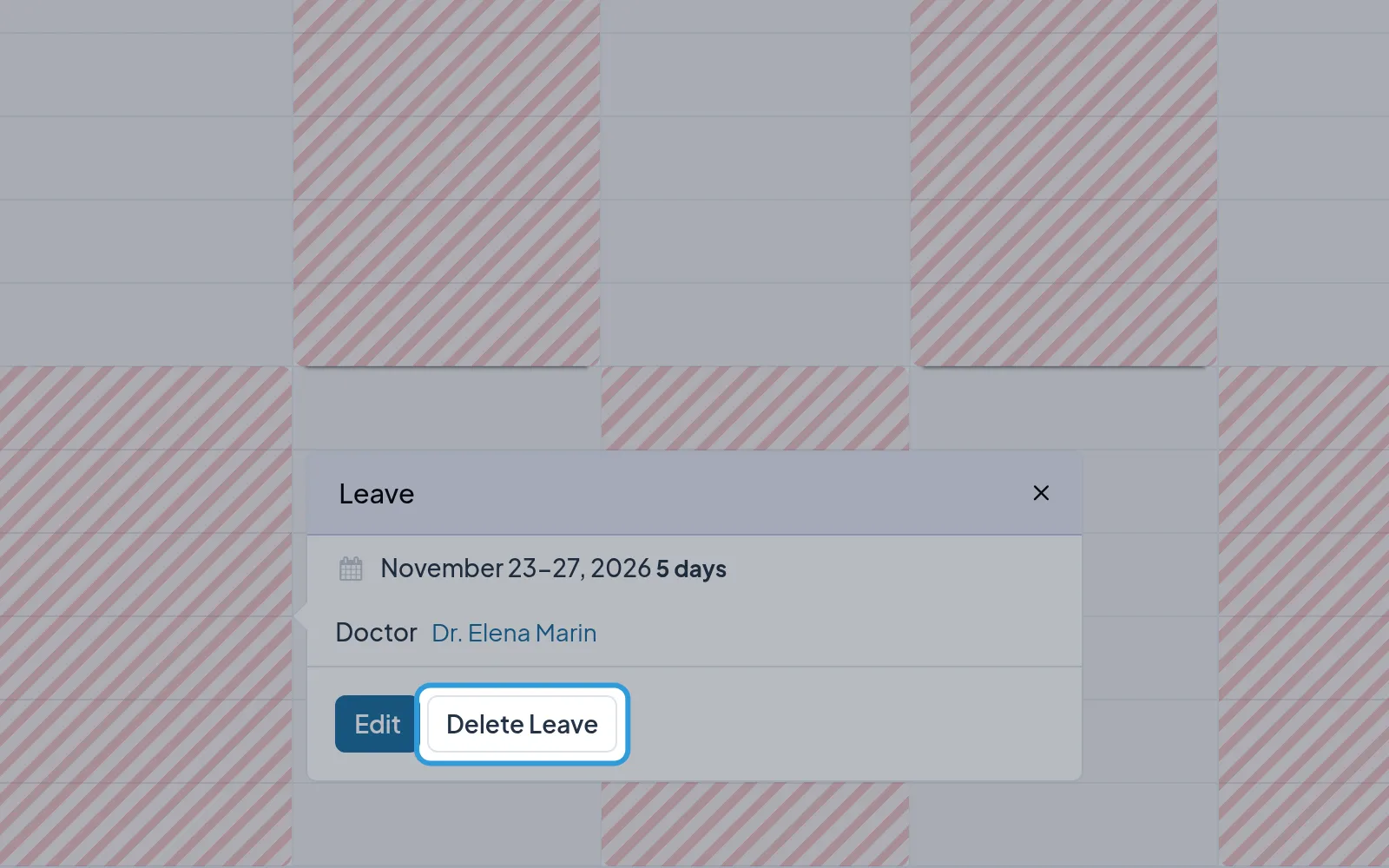
Section titled “Delete a leave”- Tap the leave in the doctor’s agenda.
- Tap
Delete Leave.
The days of the leave are free again in the doctor’s agenda.