The treatment plan
Treatment Roomthe patientPlans
DoctorMedical Coordinator
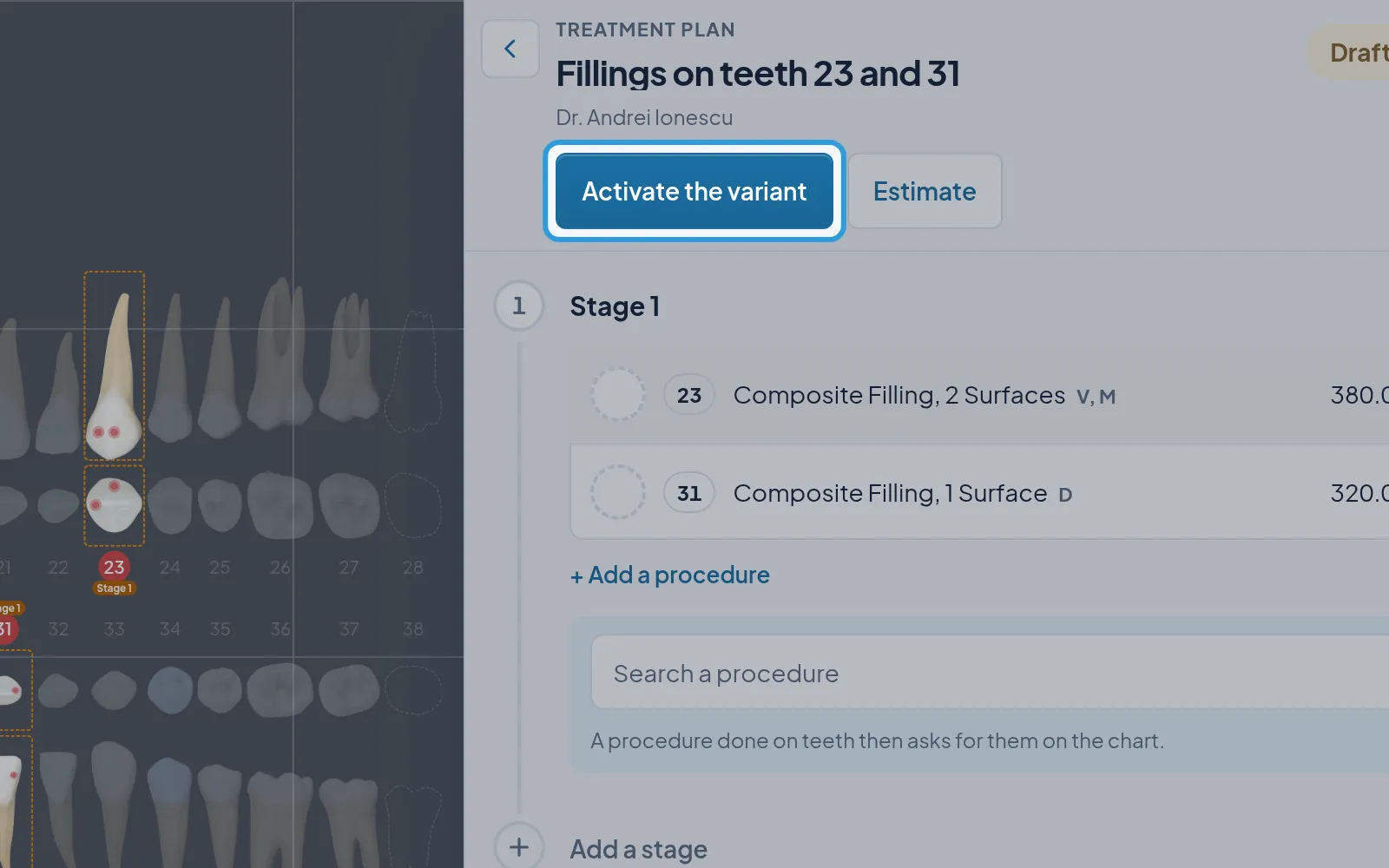
A treatment plan gathers the procedures proposed to the patient, in stages, with the teeth and the price of each. You
make it on the odontogram, in the Plans tab.
Make a plan
Section titled “Make a plan”Stage 1 has one treatment on each tooth, with its price.
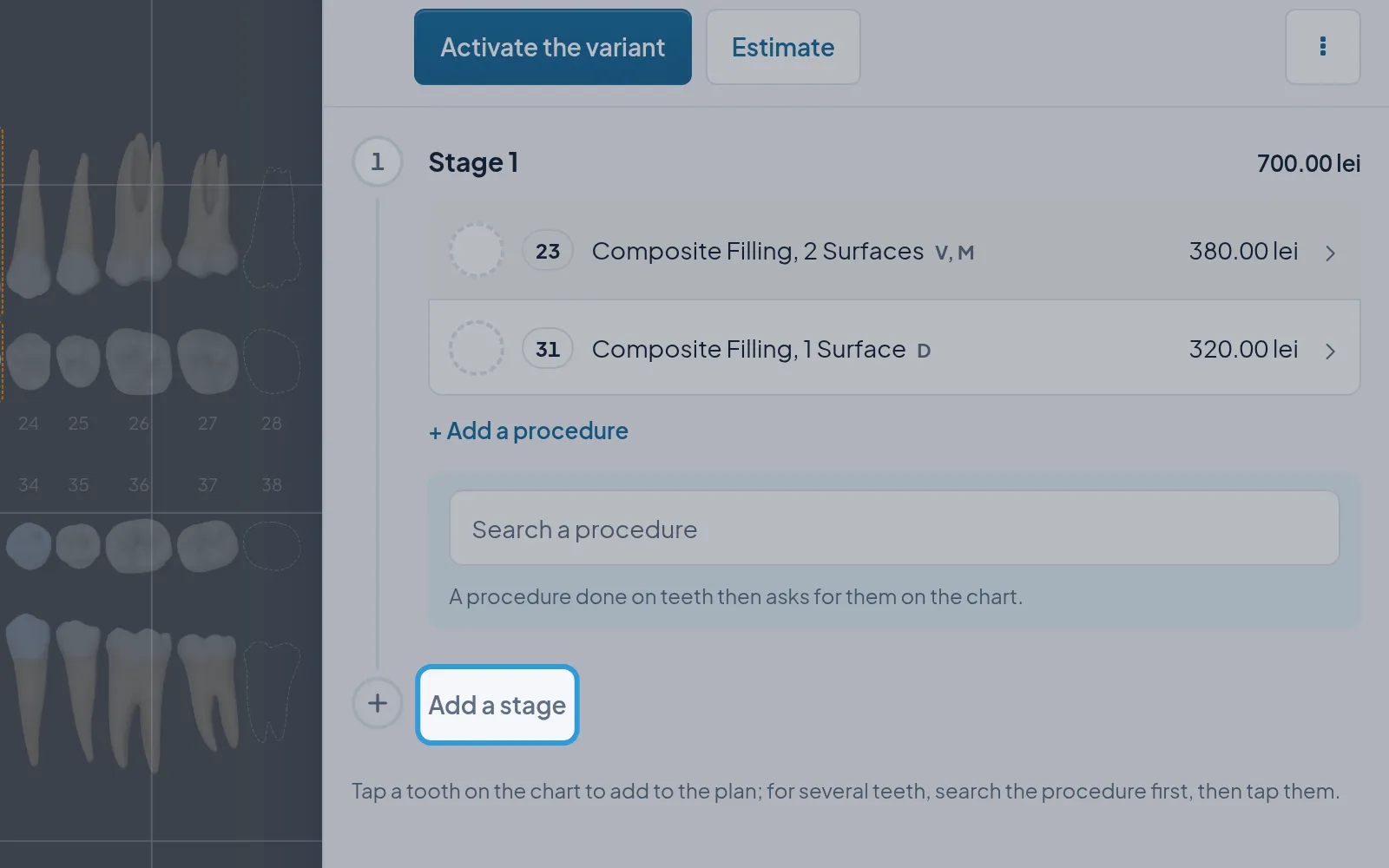
Add another stage
Section titled “Add another stage”- Tap
Add a stage, under the last stage. - Choose the procedure, then the teeth.
Each stage is booked separately.
Propose variants and choose one
Section titled “Propose variants and choose one”The chosen variant becomes active, and the others move to Not Chosen.
Activate the plan
Section titled “Activate the plan”- Tap
Activate the variant.
The plan moves to Active. A patient has only one active plan.