The waitlist
AppointmentsWaitlist
Everyone
The waitlist holds the patients who want an earlier time than their appointment and those waiting for a free slot. The agenda shows the free slots they fit, and after a cancellation Digiodent offers them the freed time.
Put a patient on the list from their appointment
Section titled “Put a patient on the list from their appointment”The appointment shows WAITING, and the earlier slots the patient fits are outlined, with “1 waiting”.
Put a patient without an appointment on the list
Section titled “Put a patient without an appointment on the list”The patient appears in the list with the state Active; with no doctor chosen, Digiodent offers them with any doctor.
Give away the slot a cancellation frees
Section titled “Give away the slot a cancellation frees”The patient’s appointment moves to the freed slot, and their row on the list is closed.
Book someone from the list in a free slot
Section titled “Book someone from the list in a free slot”The patient has an appointment at the slot’s time, and their row on the list moves to Booked.
Take a patient off the list
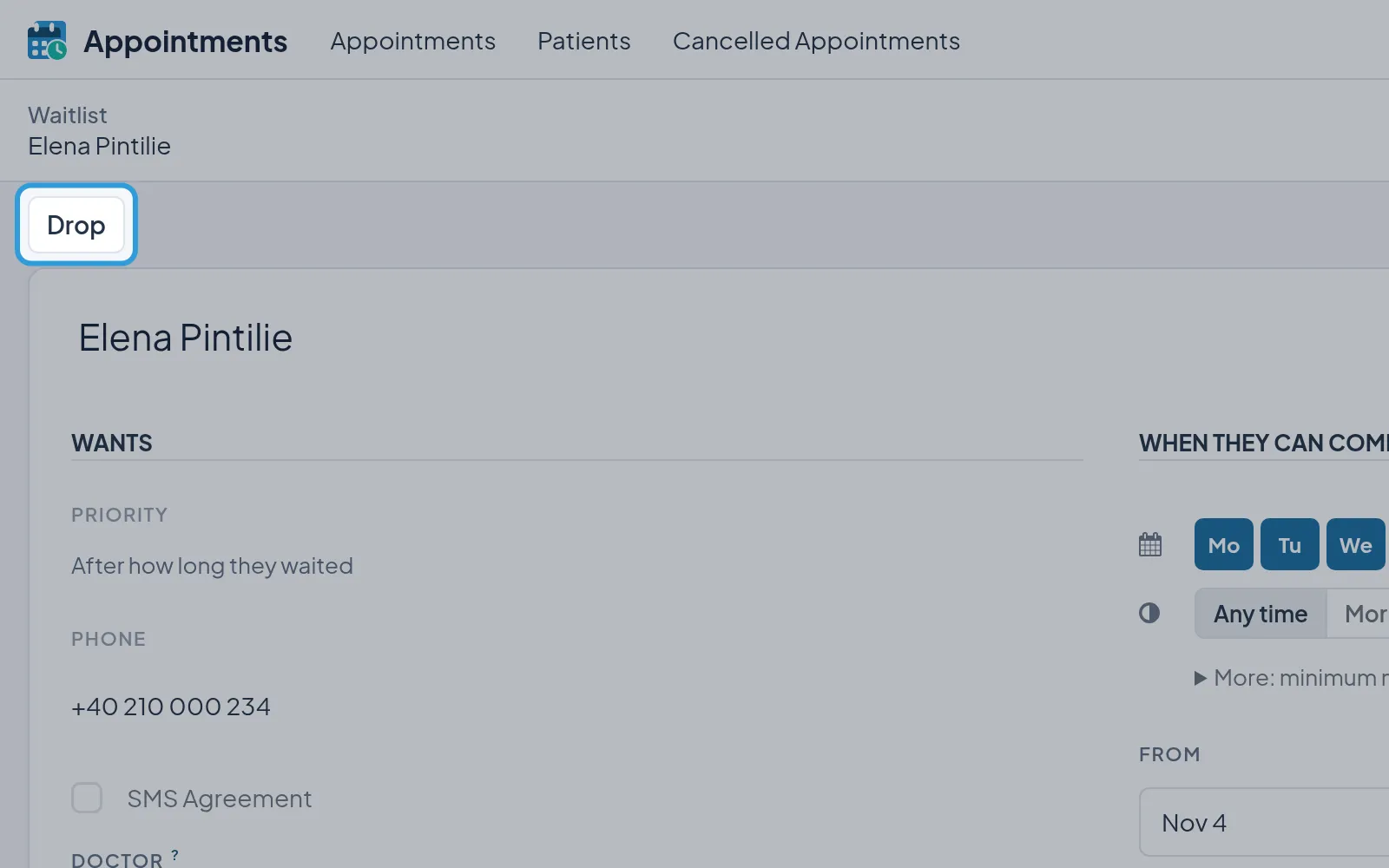
Section titled “Take a patient off the list”- Tap the patient in
Waitlist. - Tap
Drop.
The row moves to the state Dropped and no longer shows in the list.